


Introduction: The Foundation of Drupal Content Architecture
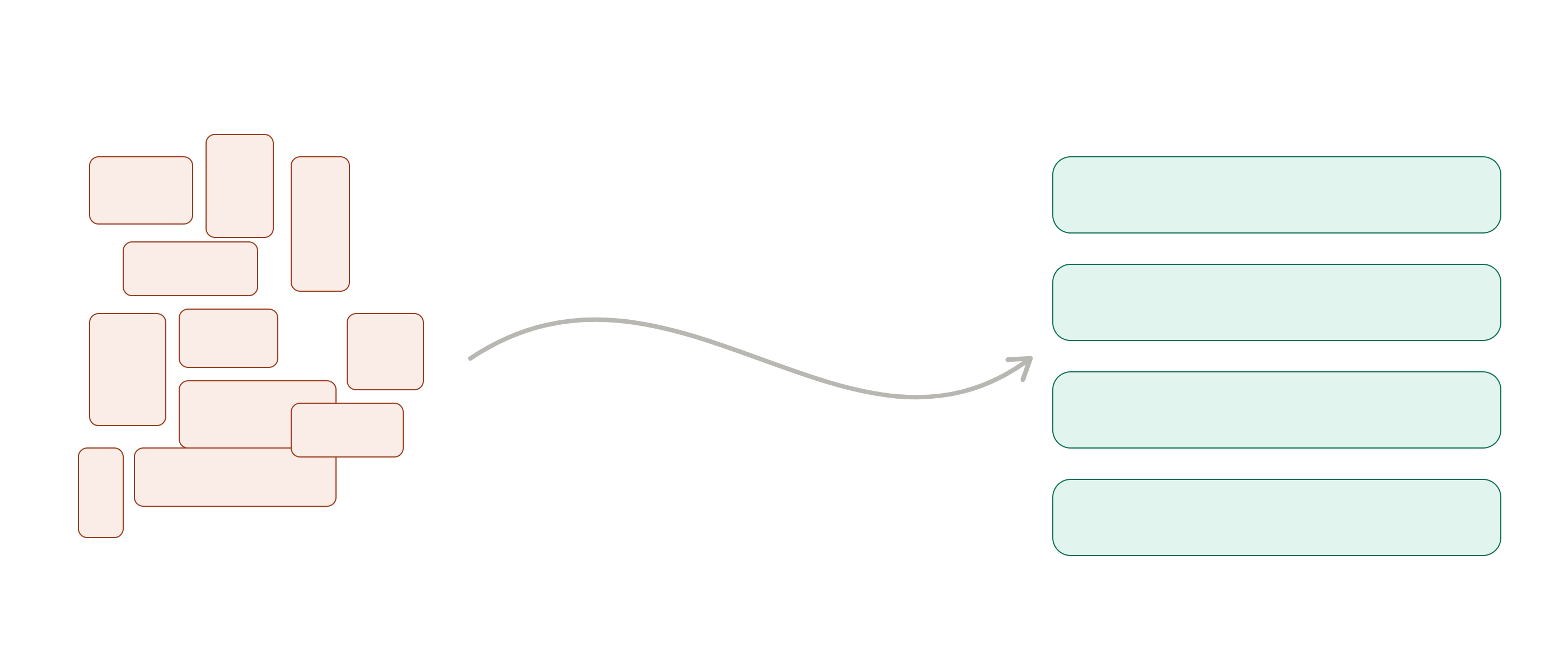
In the world of web development, Drupal stands out for its power in handling complex content. You can build sites that grow with your needs—but only if your foundation is solid. Without structure, your content quickly becomes messy, like a drawer filled with tools you can’t organize.
This is where Drupal’s core building pieces come in: Fields, Paragraphs, and Blocks. Each plays a specific role in how content is stored, structured, and displayed. Understanding how they work together is what separates a clean, scalable Drupal site from one that becomes difficult to manage over time.
In older versions of Drupal, it was common to rely heavily on large text fields. That approach worked for simple pages, but as projects grew, it often led to cluttered content and limited flexibility. Modern Drupal introduced better tools—Paragraphs for modular content and Blocks for flexible layout control—making it easier to build structured and reusable pages.
A helpful way to think about this is: Fields hold the raw data, Paragraphs organize that data into meaningful sections, and Blocks control where and how content appears across the site.
Drupal Fields – The Atomic Building Blocks of Content
Fields are the simplest and most fundamental part of Drupal’s content system. They store individual pieces of data and are attached to entities such as nodes, users, or taxonomy terms. Each field is designed to handle one specific type of information, which keeps your data clean and consistent.
Common examples include text fields for titles and descriptions, image fields for media, numeric fields for values, and entity reference fields for linking related content. Because fields are tightly integrated into Drupal core, they work seamlessly with features like Views, search, and filtering.
Fields are best used for content that is straightforward and does not require grouping or repetition. A blog post title, publish date, or featured image are all perfect examples. Keeping this kind of data atomic makes your content easier to manage and reuse across different parts of your site.
However, relying too heavily on fields can lead to problems. When a content type starts to accumulate too many fields—especially for repeating or grouped content—the editing experience becomes overwhelming. Forms grow longer, and related data becomes harder to manage as a cohesive unit. This is where Paragraphs provide a better solution.
Drupal Paragraphs – Building Structured and Flexible Content
Paragraphs introduce a more flexible way to structure content by allowing you to group multiple fields into reusable components. Instead of treating every piece of data as separate, Paragraphs let you combine related fields into meaningful sections that editors can easily manage.
These components are attached to content using a Paragraph reference field, enabling editors to build pages dynamically by adding, removing, or rearranging sections. This approach is especially useful for pages that require more complex layouts, such as landing pages, product pages, or long-form content.
For example, a landing page might include a hero section, a list of features, and a testimonial area. Each of these can be created as a Paragraph type, allowing editors to reuse and rearrange them without needing developer support.
It’s important to understand how Paragraphs differ from entity reference fields. While entity references link to standalone content (like related blog posts), Paragraphs are embedded directly within the parent content. They are best used for pieces that only make sense in the context of that page, such as a custom layout section or a grouped set of fields.
While Paragraphs greatly improve flexibility and editor experience, they do add some structural complexity behind the scenes. Their main benefit is not performance, but better content organization and usability.
Drupal Blocks – Controlling Placement and Reusability
Blocks handle how content is displayed across your site. Unlike Fields and Paragraphs, which focus on storing and structuring data, Blocks are primarily concerned with placement and visibility.
Drupal allows you to place Blocks in predefined regions such as headers, footers, and sidebars, or within layouts using tools like Layout Builder. This makes them ideal for content that needs to appear in specific locations or under certain conditions.
Custom Blocks also act as reusable content entities. For example, a call-to-action banner, a contact information section, or a site-wide announcement can be created once and displayed in multiple places. This ensures consistency and reduces duplication.
With Layout Builder, Blocks can also be placed within individual page layouts, giving editors more control over design. Even so, Blocks are still best suited for content that is reused or depends on context, while Paragraphs remain the better choice for building the main body of a page.
Choosing the Right Tool for the Job
Deciding whether to use Fields, Paragraphs, or Blocks comes down to understanding the role of the content you’re working with.
Fields are ideal for storing simple, structured data that belongs directly to an entity. Paragraphs are better when you need flexible, repeatable sections within a page. Blocks are the right choice when content needs to be reused across multiple pages or displayed conditionally based on context.
In practice, most Drupal sites use all three together. A typical page might use Fields for core data like titles and metadata, Paragraphs for building the main content layout, and Blocks for reusable elements such as banners or sidebars.
For example, when building a landing page, the title would be stored in a Field, the main sections like features and testimonials would be built with Paragraphs, and a reusable call-to-action might be implemented as a Block. This combination keeps content organized, flexible, and easy to maintain.
Common Mistakes to Avoid
When starting out, it’s easy to misuse these tools. One common mistake is using Paragraphs for simple data that could be handled by a Field, which adds unnecessary complexity. Another is using Blocks for content that should live inside a node, making it harder to manage and edit.
Overloading a content type with too many Fields is another frequent issue. Without proper grouping, forms become difficult to use and content becomes harder to maintain. Taking the time to choose the right structure early on can prevent these problems later.
Conclusion: Building Scalable Drupal Content
Fields, Paragraphs, and Blocks each serve a distinct purpose in Drupal. Fields store the raw data, Paragraphs organize that data into structured sections, and Blocks control how and where content is displayed.
When used together correctly, they create a system that is both flexible and scalable. Editors gain more control, developers maintain cleaner architecture, and the overall experience improves for everyone involved.
If you’re unsure where to start, take a look at one of your existing content types and evaluate how it’s built. Small improvements in structure can make a big difference over time.